








Generator
History
AI Floor Plan Generator
Change Tool
Model
Base
Switch
Rooms
BedRoom
-
2
+
BathRoom
-
1
+
Kitchen
open
closed
Gross Area
Unit metric
 imperial
metric imperialArea
< 50㎡
50-80㎡
80-100㎡
100-120㎡
120-150㎡
> 150㎡
Extras
walk-in closet
laundry room
storage room
utility room
home office
garage
pantry
combined living-dining
balcon

Design Your Dream Space with Our Online Floor Plan Drawer
Unleash your inner architect with Ideal House's AI Floor Plan Generator. This intuitive online floor plan drawer transforms your vision into professional 2D floorplans in seconds. Whether you're planning a new build, a renovation, or creating stunning listings, our tool makes designing your ideal layout effortless. Get precise, customizable floor plans without the complex software.
Generate My Floor Plan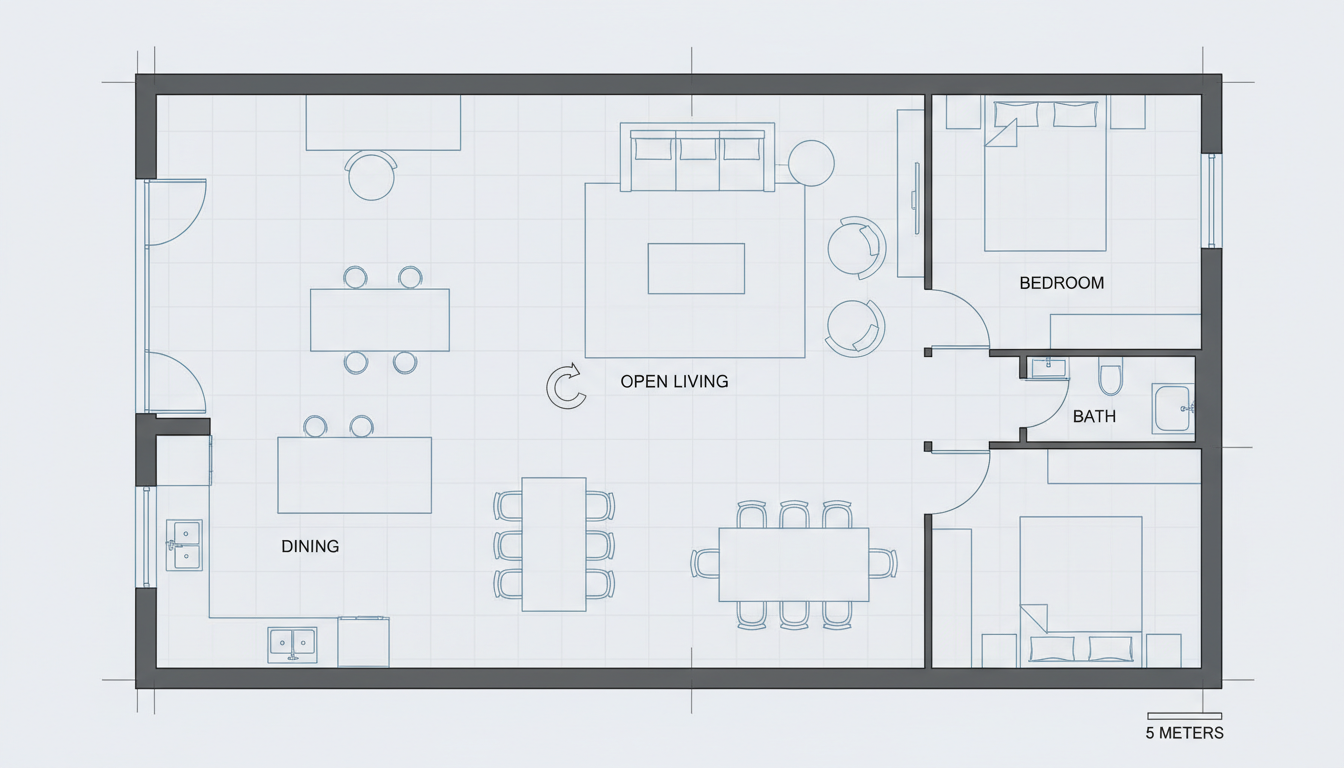


Why Ideal House is Your Go-To Online Floor Plan Drawer

Instant 2D Floor Plan Creation
Say goodbye to manual drafting. Our AI floor plan generator quickly turns your specifications into detailed 2D floorplans. Simply input your desired number of bedrooms and bathrooms, kitchen style (open or closed), and gross area range. Watch as our online floor plan drawer delivers a ready-to-use blueprint in moments, perfect for quick iterations and presentations. This advanced floor plan creator streamlines your design process.
Customizable Layouts with Key Features
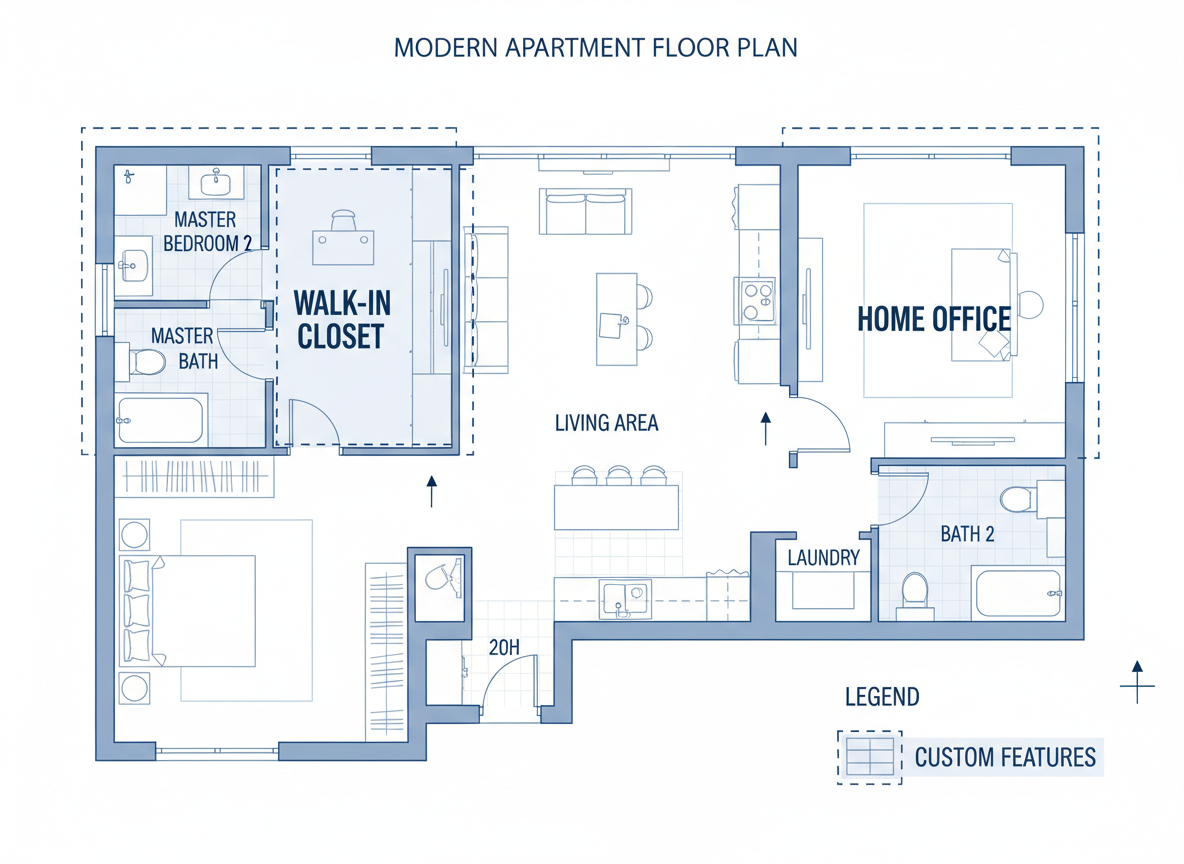
Tailor your space with precision. Our tool isn't just an online floor plan drawer; it's a comprehensive room planner. Add specific 'extras' like a walk-in closet, laundry room, home office, or balcony to influence the layout. This allows for custom floor plans that truly reflect your needs, ensuring every residential floor plan is optimized for functionality and flow. Design your house layout with unparalleled control.

Streamlined for Real Estate Listings
Elevate your property listings with professional 2D real estate floor plans. A clear, visual representation of a property's layout can significantly boost buyer interest. Our online floor plan drawer helps real estate professionals generate consistent, high-quality floor plans quickly, providing an invaluable home design tool for showcasing properties effectively. Create compelling visuals for every listing.
Efficient Design Iteration & Comparison
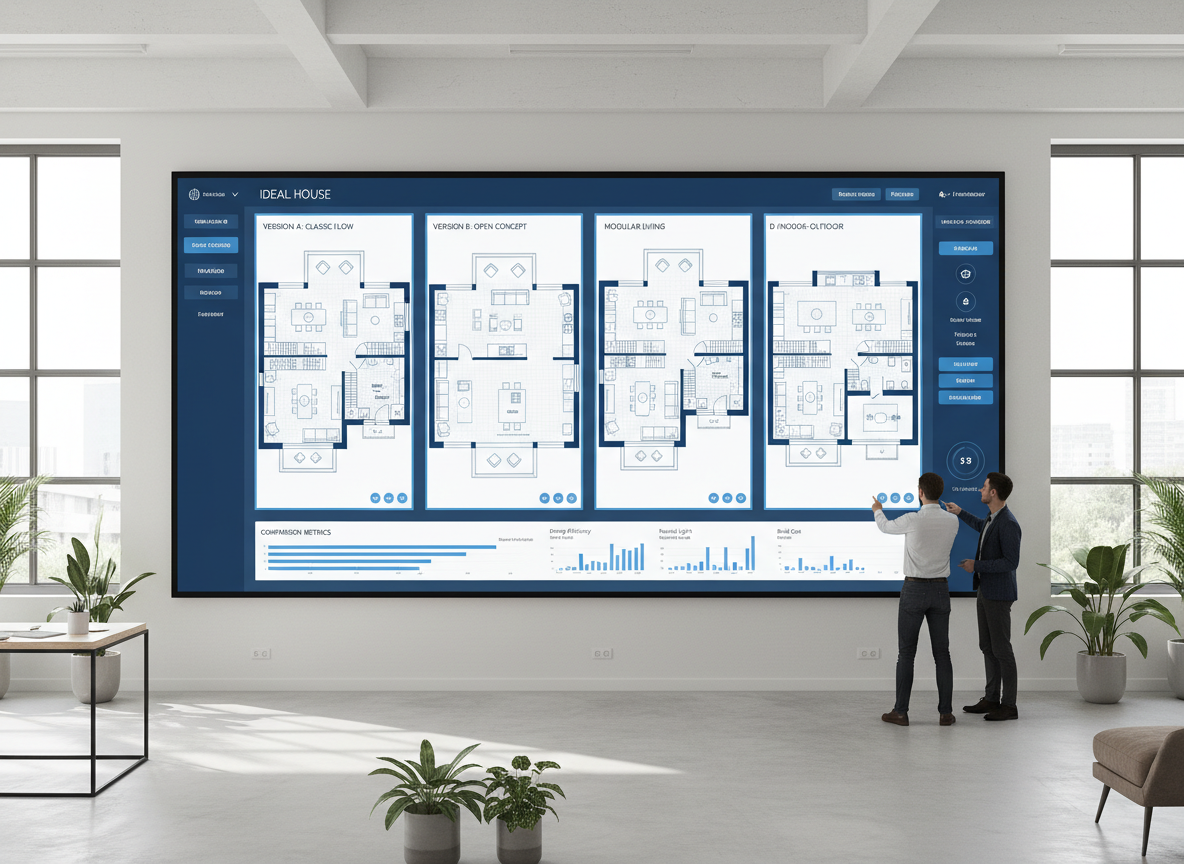
Experiment with different designs effortlessly. Every generated floor plan is saved in your history, allowing you to compare and refine concepts side-by-side. This iterative process, powered by our sophisticated floor plan software, makes it easy to explore various configurations until you find the ideal solution. It’s an interactive floor plan experience that puts you in control of your architectural drawing.

Who Benefits from Our Online Floor Plan Drawer?

Homeowners & DIY Enthusiasts: Easily visualize renovations, additions, or new home construction with a user -friendly house plan generator.

Interior Designers & Decorators: Quickly create and iterate on design concepts for clients, ensuring their apartment floor plan meets aesthetic and functional goals.

Real Estate Professionals: Generate professional 2D floorplans for listings to help buyers understand property layouts instantly, a crucial layout designer for market success.

Contractors & Builders: Translate verbal requirements into clear, shareable blueprints for project alignment and efficient planning, making it an essential building plan generator.

How to Use Ideal House's Online Floor Plan Drawer
1
Set Rooms: Choose your desired number of Bedrooms (0-4) and Bathrooms (1-3) to begin shaping your residential floor plans.
2
Choose Kitchen Style: Toggle between an open or closed kitchen layout, influencing the flow and feel of your living spaces.
3
Pick Gross Area: Select a gross area band to guide the overall scale and proportions of your 2D floorplan.
4
Add Extras: Multi-select features like a walk-in closet, laundry room, home office, garage, or balcony to refine your custom floor plans.
5
Generate & Review: Click 'Generate' to instantly create your floor plan. Review the results, tweak parameters, and regenerate to explore different versions.
6
Download & Share: Export your chosen floor plan as an image or PDF, ready to share with clients, colleagues, or for your property listings. You've just used the best online floor plan drawer!
FAQs About the AI Floor Plan Generator
How does this online floor plan drawer create layouts from my selections?
Our AI floor plan generator interprets your program—including beds, baths, kitchen type, gross area, and extras—then applies smart architectural rules to draft a clear 2D floorplan. Each click offers a fresh concept you can easily refine by adjusting your inputs. It's a powerful blueprint maker at your fingertips.
What are the customization ranges and default settings?
You can select Bedrooms (0-4, default 2), Bathrooms (1-3, default 1), Kitchen (open/closed, default open). Gross Area allows you to pick the closest size band, and Extras are multi-selectable for maximum flexibility in your room planner.
How does 'Gross Area' impact my generated floor plan?
The Gross Area band guides the overall scale of your 2D floorplan. Selecting the appropriate band ensures that rooms and corridors are proportioned realistically for that specific footprint, resulting in a more believable and functional house layout creator result.
What is the difference between open and closed kitchen layouts in the floor plan creator?
Open kitchens, often seen in modern residential floor plans, promote a continuous living-dining sightline and smoother flow, ideal for entertaining. Closed kitchens define a distinct cooking zone with clearer separation, offering more privacy and often more wall space for cabinets. Your choice with this online floor plan drawer significantly impacts the home's feel.
What specific functions do the 'Extras' provide in the layout designer?
The 'Extras' allow the AI floor plan maker to prioritize and intelligently place spaces like a walk-in closet near the primary bedroom, a pantry adjacent to the kitchen, or a home office in a quieter corner. This helps create highly functional and custom floor plans tailored to specific needs.
Discover More Ideal House Design Tools
Landscaping
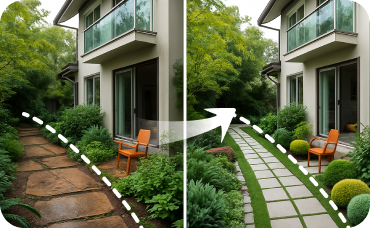
Focus exclusively on your garden, patio, and yard to design your perfect outdoor oasis.
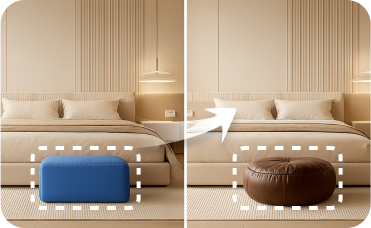
Smart Replacer
Change specific details beyond furniture, like swapping light fixtures, updating windows, or adding artwork.
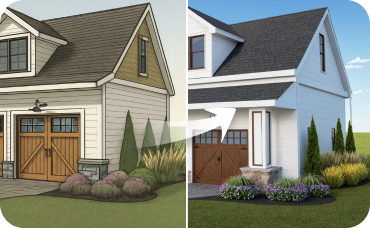
AI 3D Rendering
Turn your favorite 2D design into an immersive 3D model and get a true feel for the space.
Ready to Design Your Space with the Best Online Floor Plan Drawer?
Map your dream space in minutes with a clear 2D floorplan—simple, fast, and share-ready with our AI floor plan generator.
Create My 2D Floor Plan Now
💰 Earn 10% commission as a Ideal House Affiliate Partner.
Join us